SERVICES PORTFOLIO BLOG ABOUT FAQ CONTACT
Asset Management System - University Asset Tracking
EDUCATION

ASSET MANAGEMENT

University asset tracking system with scan-first operations and enterprise SSO integration built in 8 hours

8 HRS BUILD TIME
11 SCREENS DELIVERED
QR/BARCODE SCAN-FIRST OPERATIONS

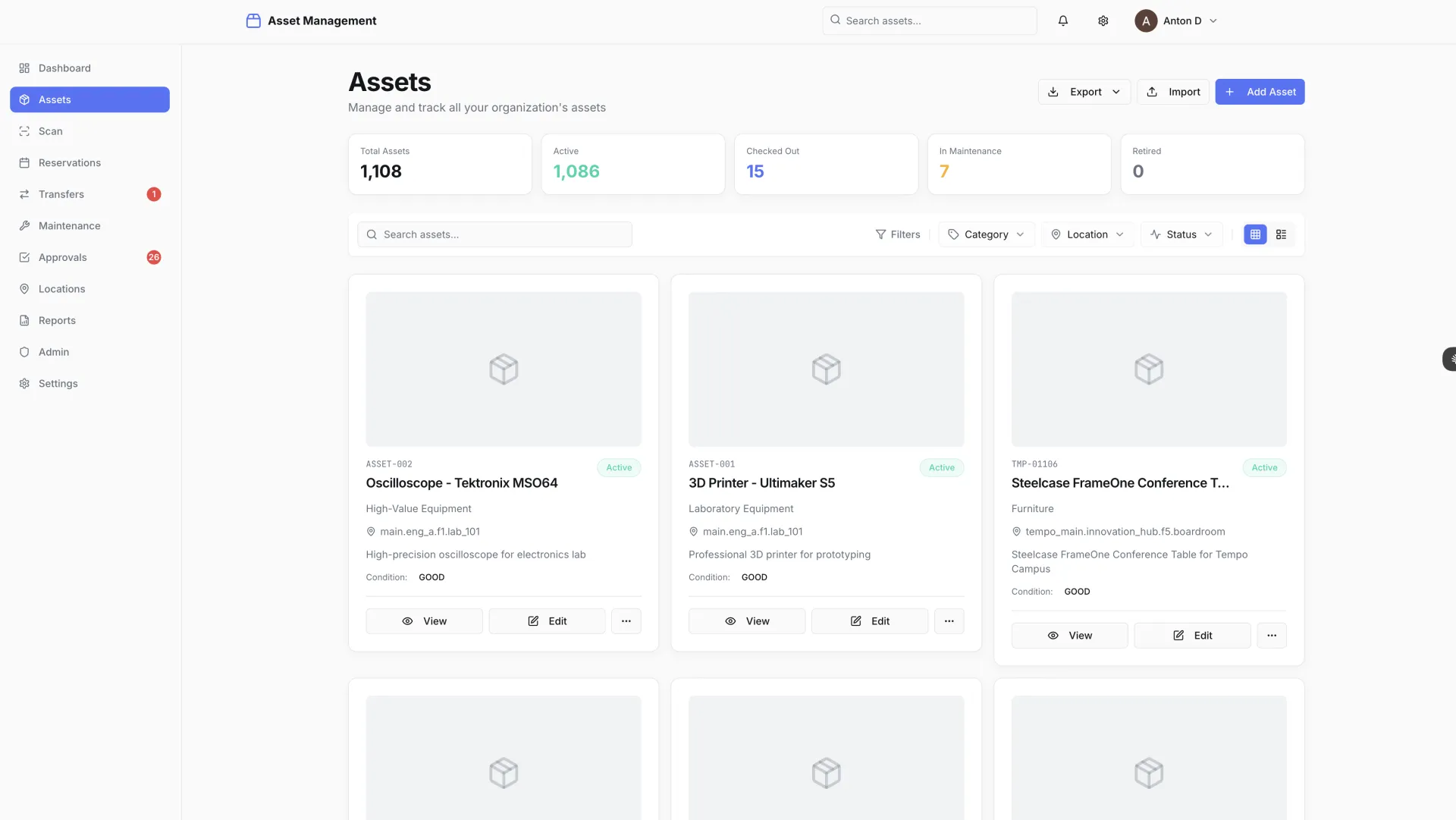
University asset tracking system enabling scan-first operations with QR/barcode scanning. Features hierarchical location management, real-time Typesense search, interactive maps with Mapbox, approval workflows, maintenance tracking, and enterprise SSO integration.

Tech Stack

Next.js 14 NestJS PostgreSQL Typesense Mapbox Redis

Delivery Time

8 hours

The Challenge

A university needed to track thousands of physical assets distributed across multiple buildings, floors, and rooms — lab equipment, IT hardware, furniture, audiovisual gear, and specialized research instruments. The scale of the estate made manual tracking impractical, but that is exactly what they were doing.

Their existing process relied on spreadsheets: manual data entry, no real-time visibility into where assets were, no audit trail for transfers, and no way to flag missing items until someone noticed an empty desk or a missing projector. When departments reorganized and assets moved, the records did not always follow. Procurement decisions were being made without accurate visibility into what the institution already owned.

The requirements reflected both the scale of the problem and the need to fit into an existing institutional technology environment:

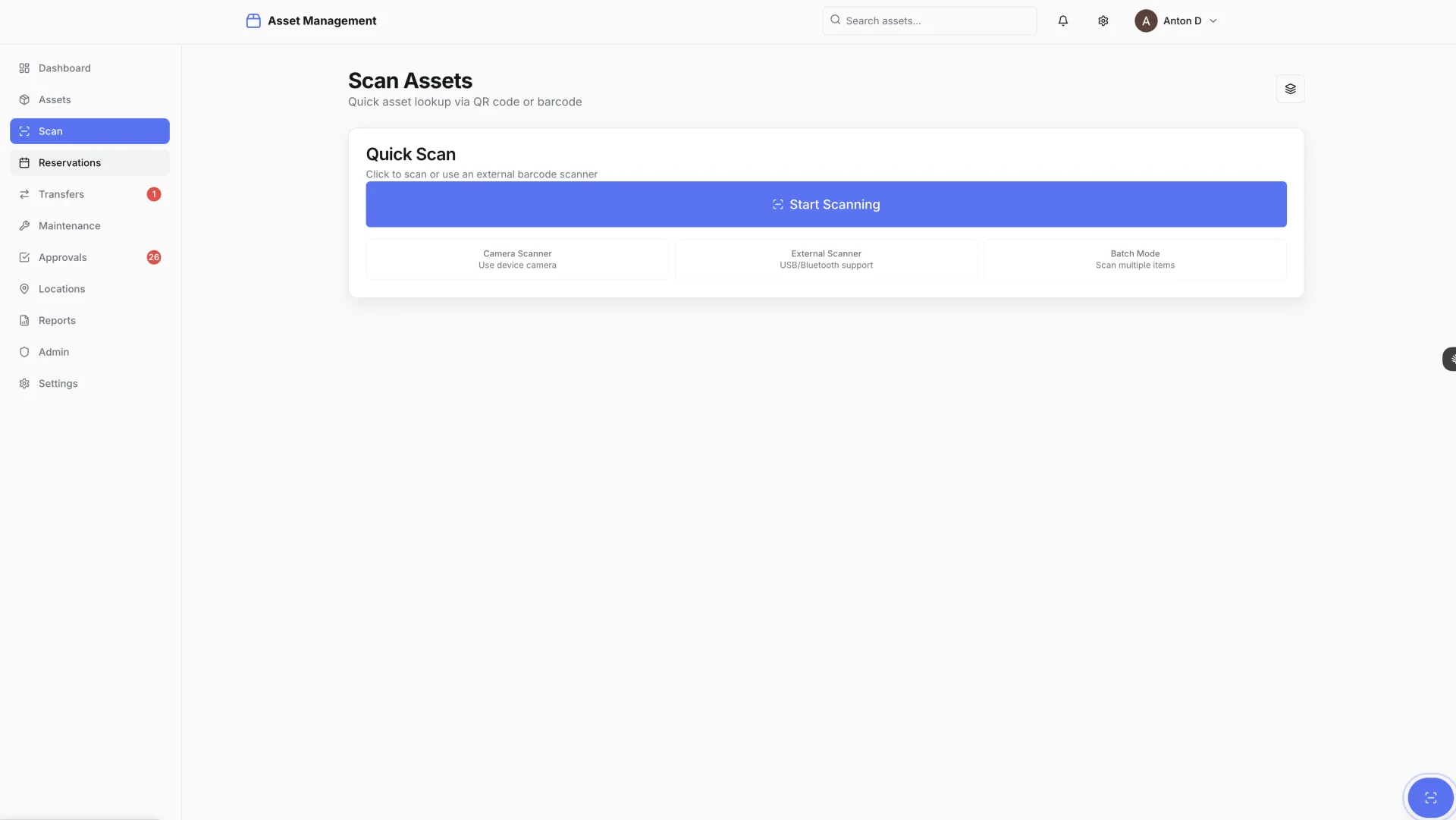
  • Scan-first operations — QR codes and barcodes on every asset for instant mobile lookup and updates
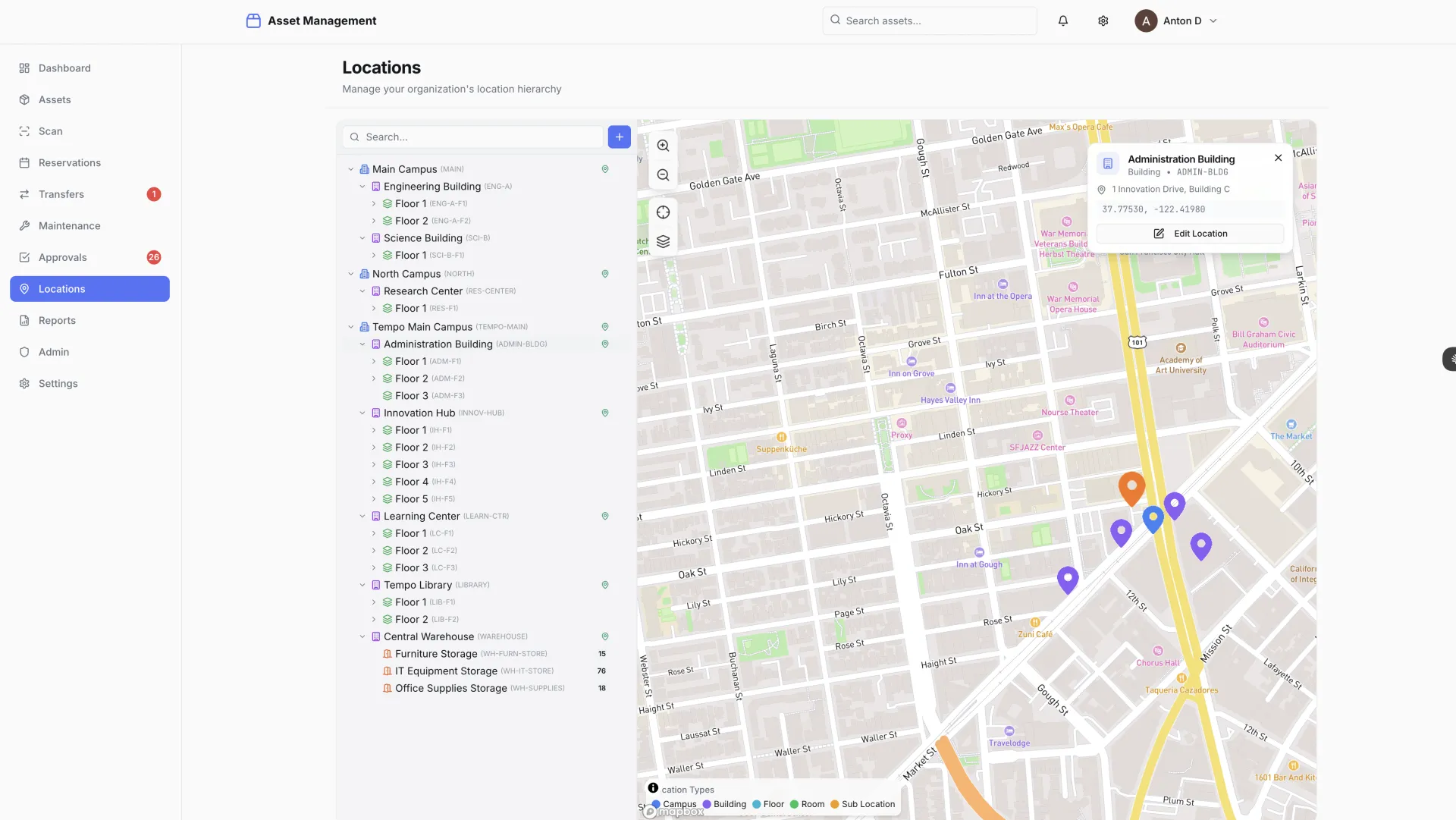
  • Hierarchical location management covering campus, building, floor, and room
  • Interactive maps showing asset distribution and enabling drill-down from campus to individual room
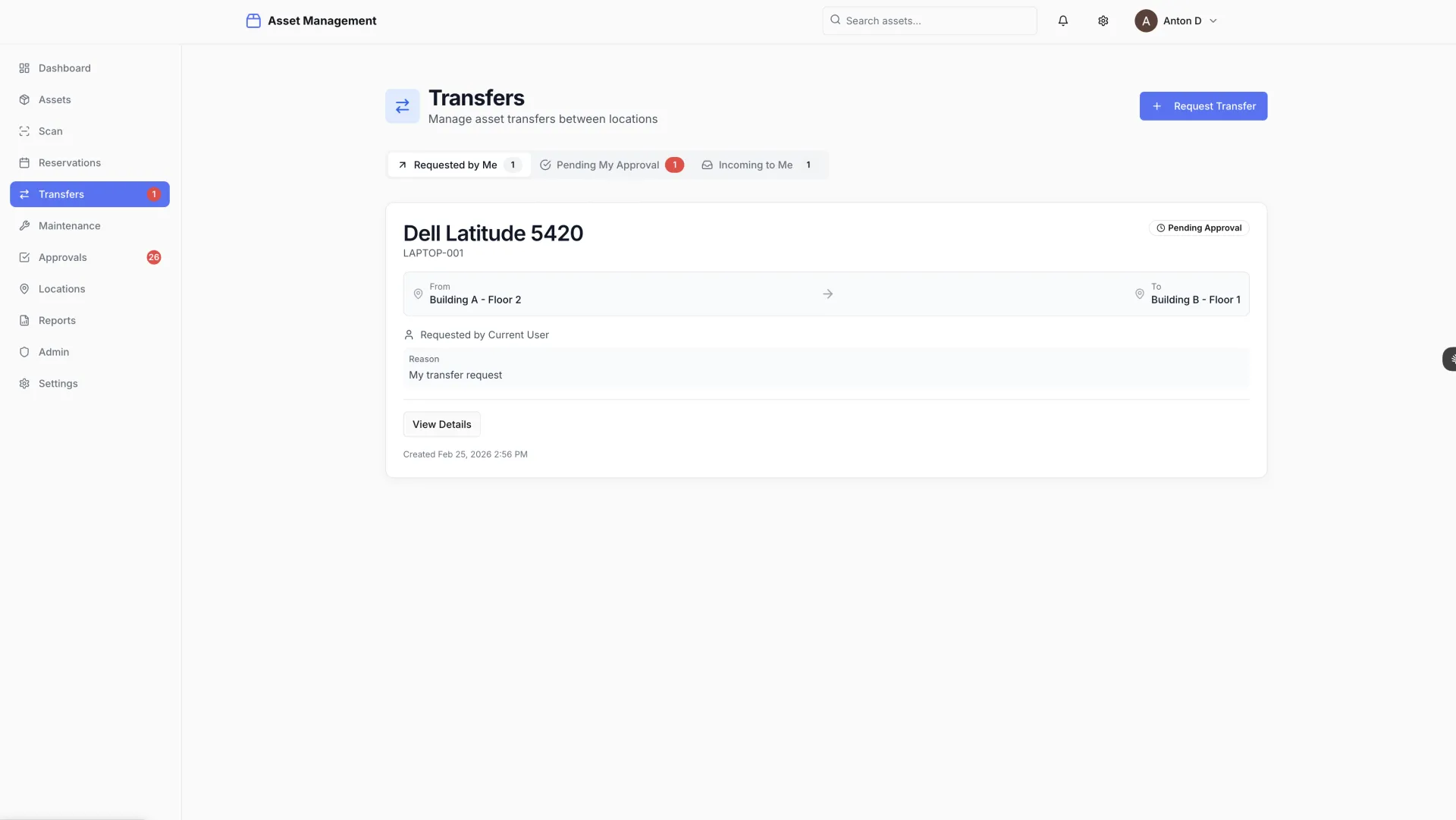
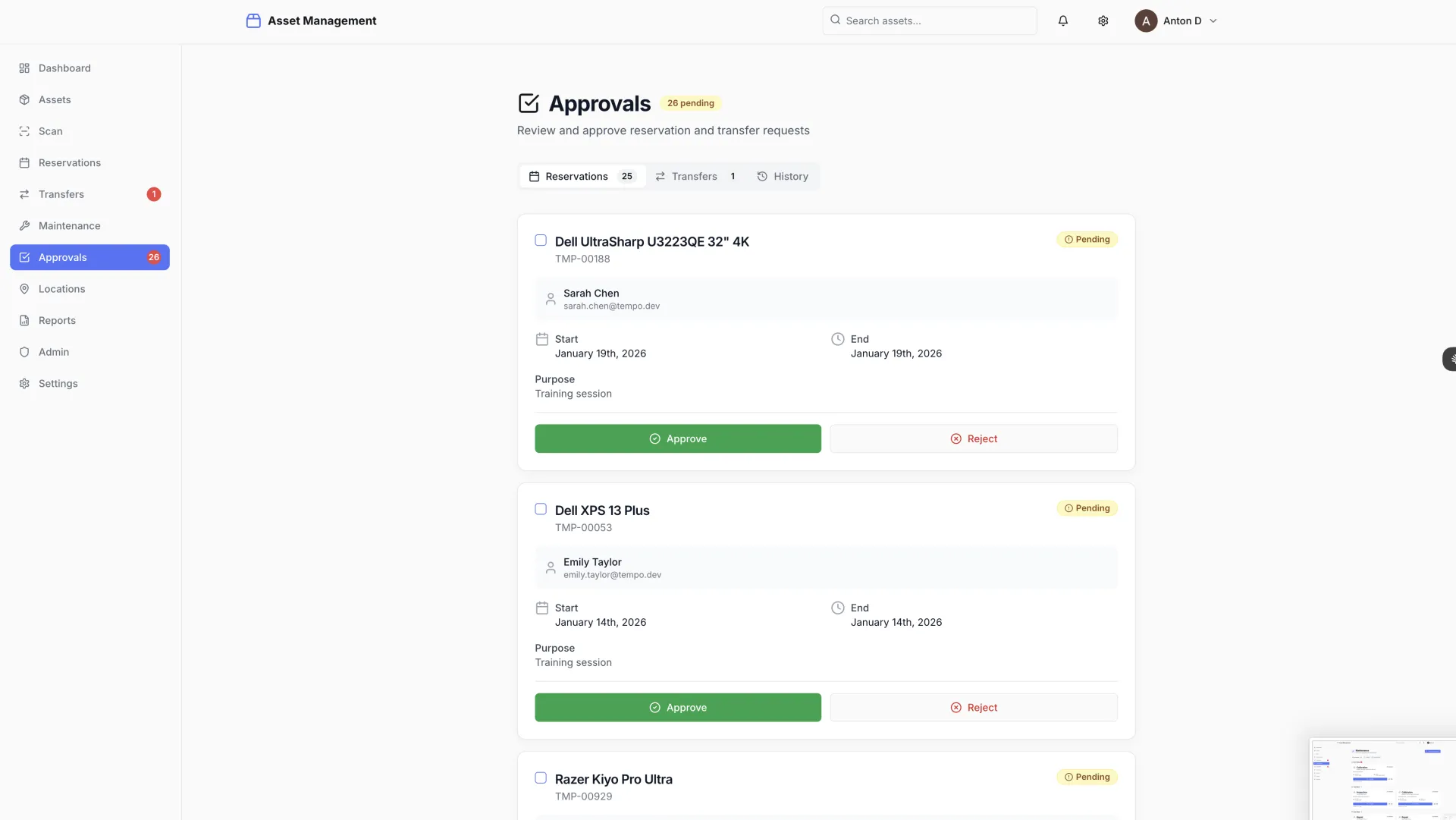
  • Approval workflows for asset transfers between departments, with a full audit trail
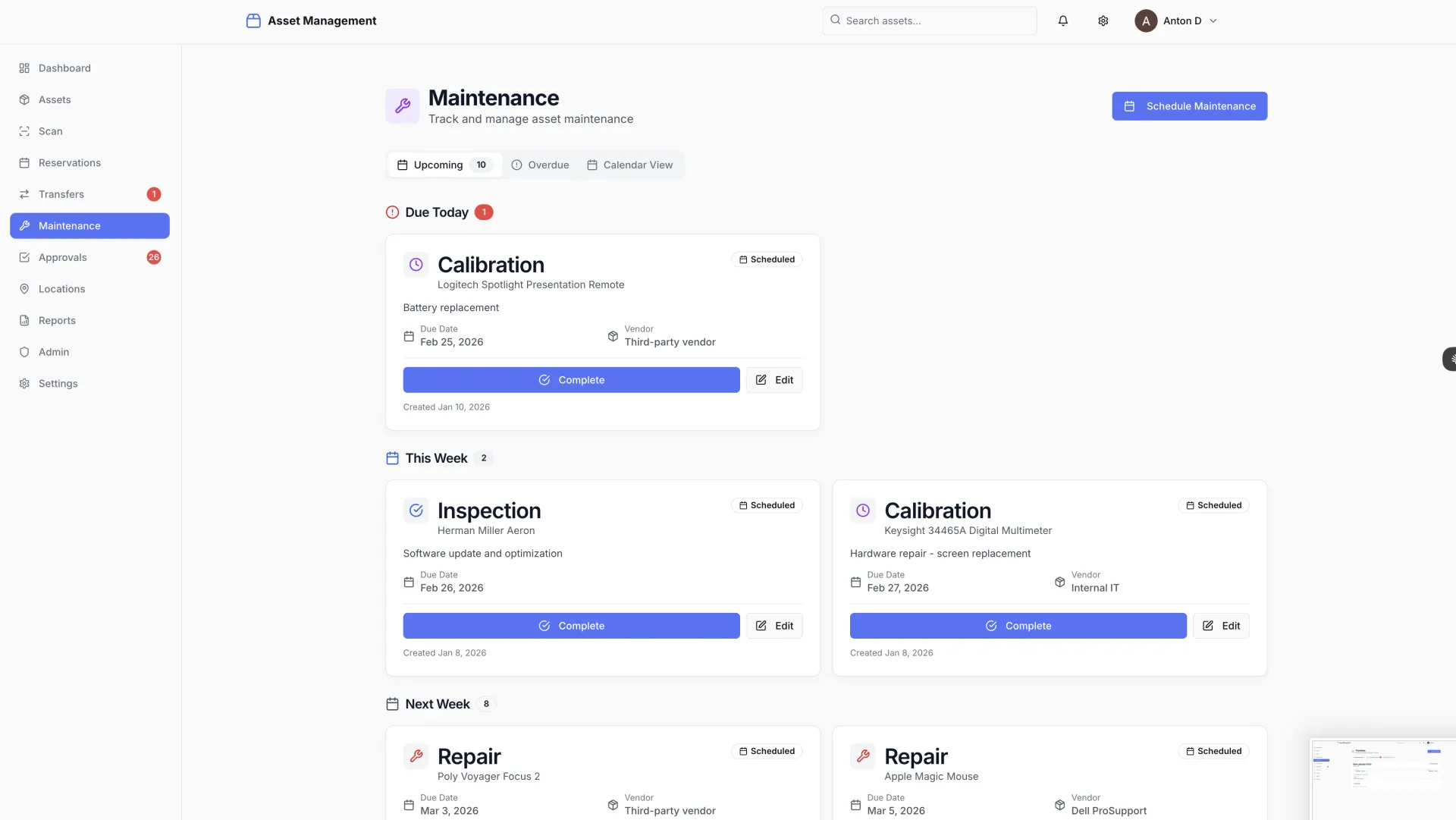
  • Maintenance scheduling and history tracking for equipment requiring regular servicing
  • Enterprise SSO integration with the university's existing identity provider
  • Role-based access control across technicians, department heads, and administrators
  • Real-time search across the full asset catalog, fast enough for use on a mobile device in the field

The institution had looked at enterprise ERP modules for asset management. The cost, implementation timeline, and complexity of those solutions made them impractical for the actual problem at hand.
The Solution

OneChair built the complete system in 8 hours. The design philosophy was scan-first from the beginning: every asset receives a QR code or barcode label, and the entire interface is optimized for technicians operating on mobile devices in the field.

Scanning an asset code opens a full detail view instantly — asset name, category, serial number, current location, assigned department, maintenance status, and complete transfer history. From the same screen, a technician can initiate a transfer, log a maintenance event, or flag an issue. No manual searching, no spreadsheet lookup, no desk required.

Typesense powers the search layer. Asset records are indexed in real time, and search across the full catalog — by name, serial number, category, location, or custom fields — returns results in under 50 milliseconds even as the asset count scales to tens of thousands. Typesense's tolerance for typos and partial matches means technicians searching in the field get results even when they cannot remember the exact asset name.

Mapbox provides the spatial layer. An interactive campus map shows asset distribution at the institution level, with the ability to drill down to building, floor, and room. Department heads can see at a glance what assets are in their space; facilities teams can identify concentrations and gaps across the estate.

Asset transfers follow an approval workflow: a transfer request is submitted, the receiving department head approves or rejects it, and the asset record updates automatically on approval. Every scan, transfer, status change, and maintenance event is logged with a timestamp and the user who performed the action — a complete, immutable audit trail.

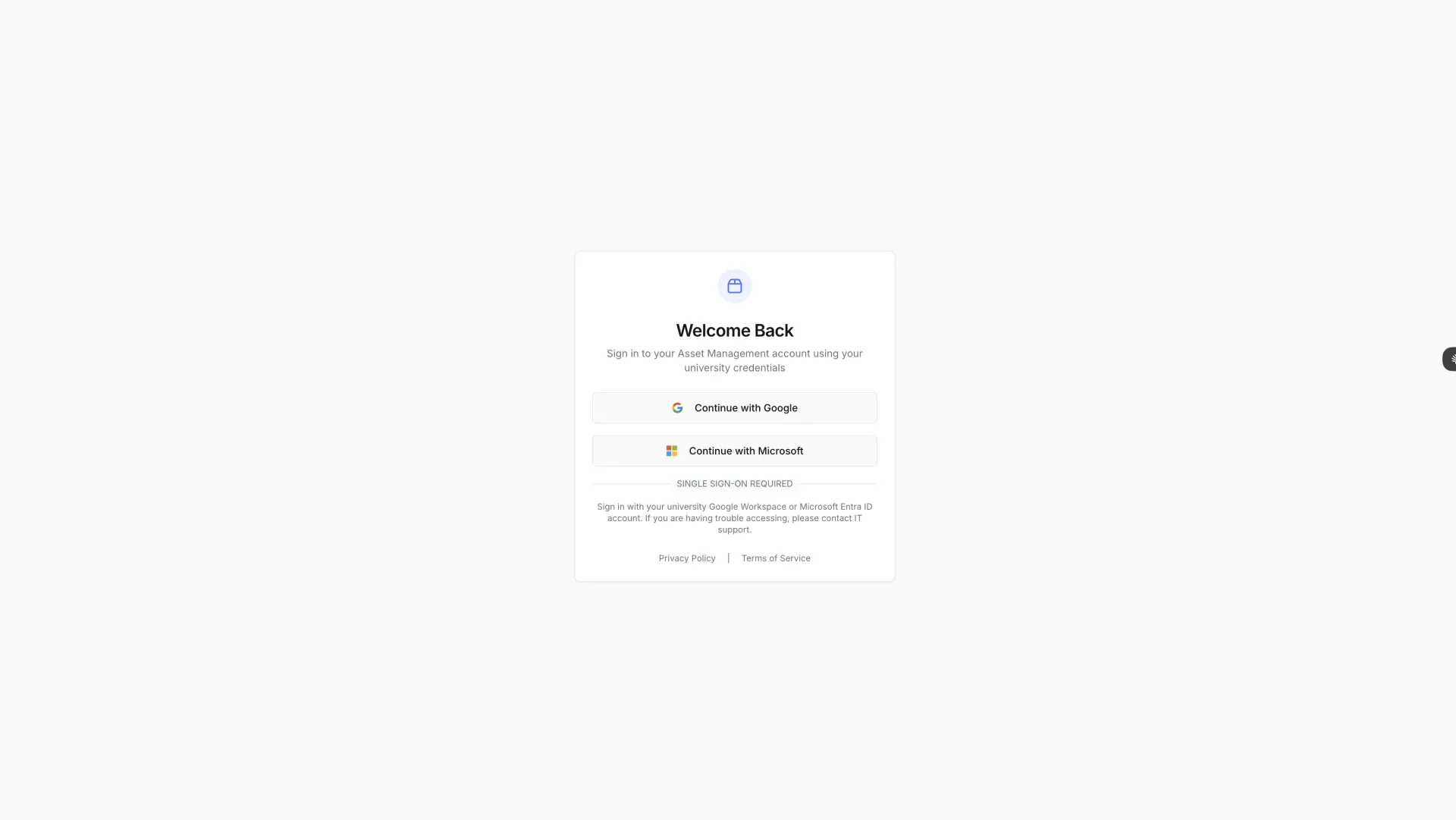
Enterprise SSO was integrated with the university's identity provider so staff use their existing institutional credentials. Redis handles session management and caching for frequently accessed asset data. The full stack — Next.js 14 frontend, NestJS backend, PostgreSQL, Typesense, Mapbox, and Redis — was selected for performance, operational simplicity, and long-term maintainability.

The Results

The complete enterprise asset management system was delivered in 8 hours — a purpose-built solution that handles every requirement the university had identified, without the overhead and vendor lock-in of a generic ERP module.

  • 8-hour build time for a complete, production-ready asset management system
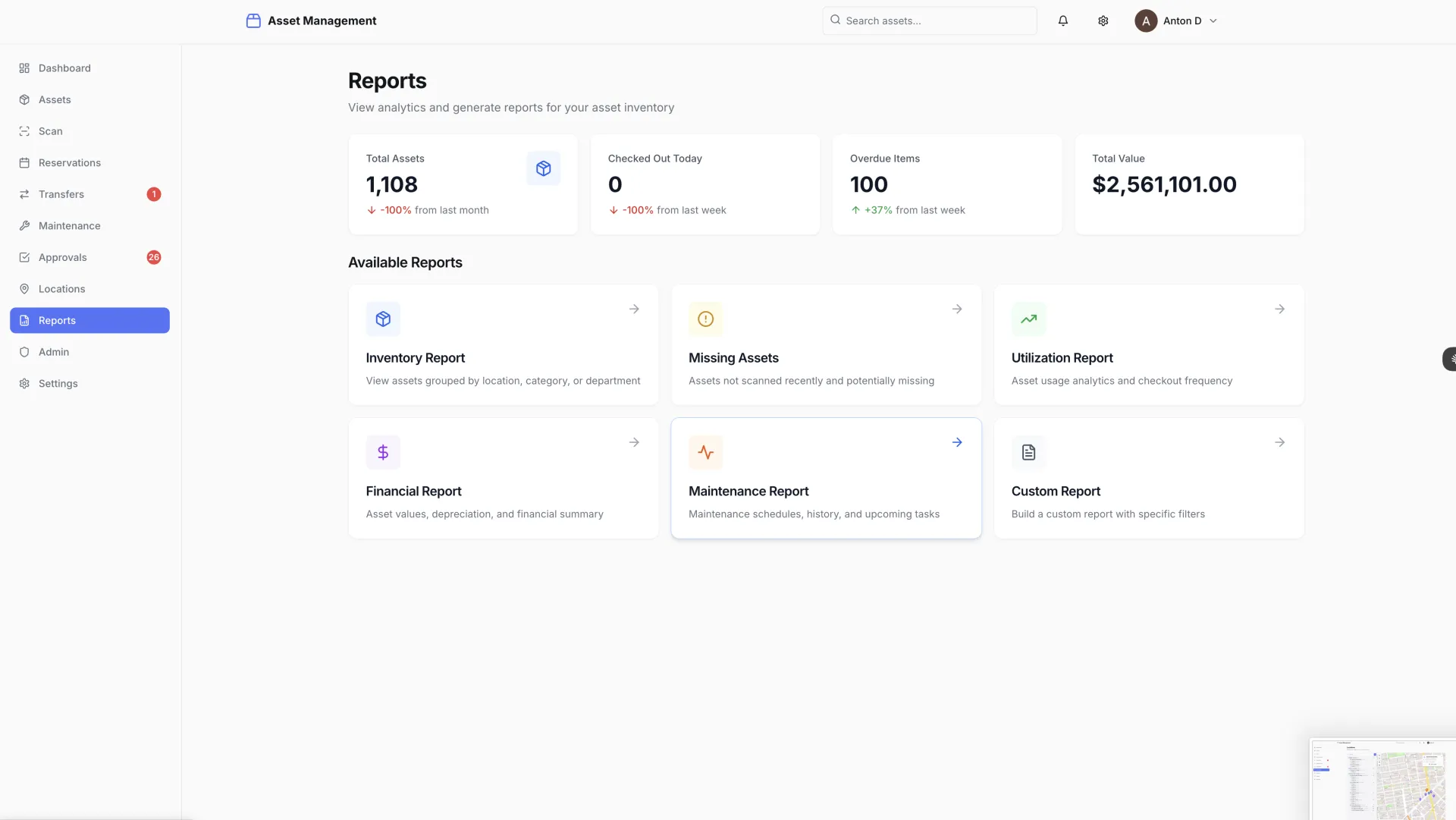
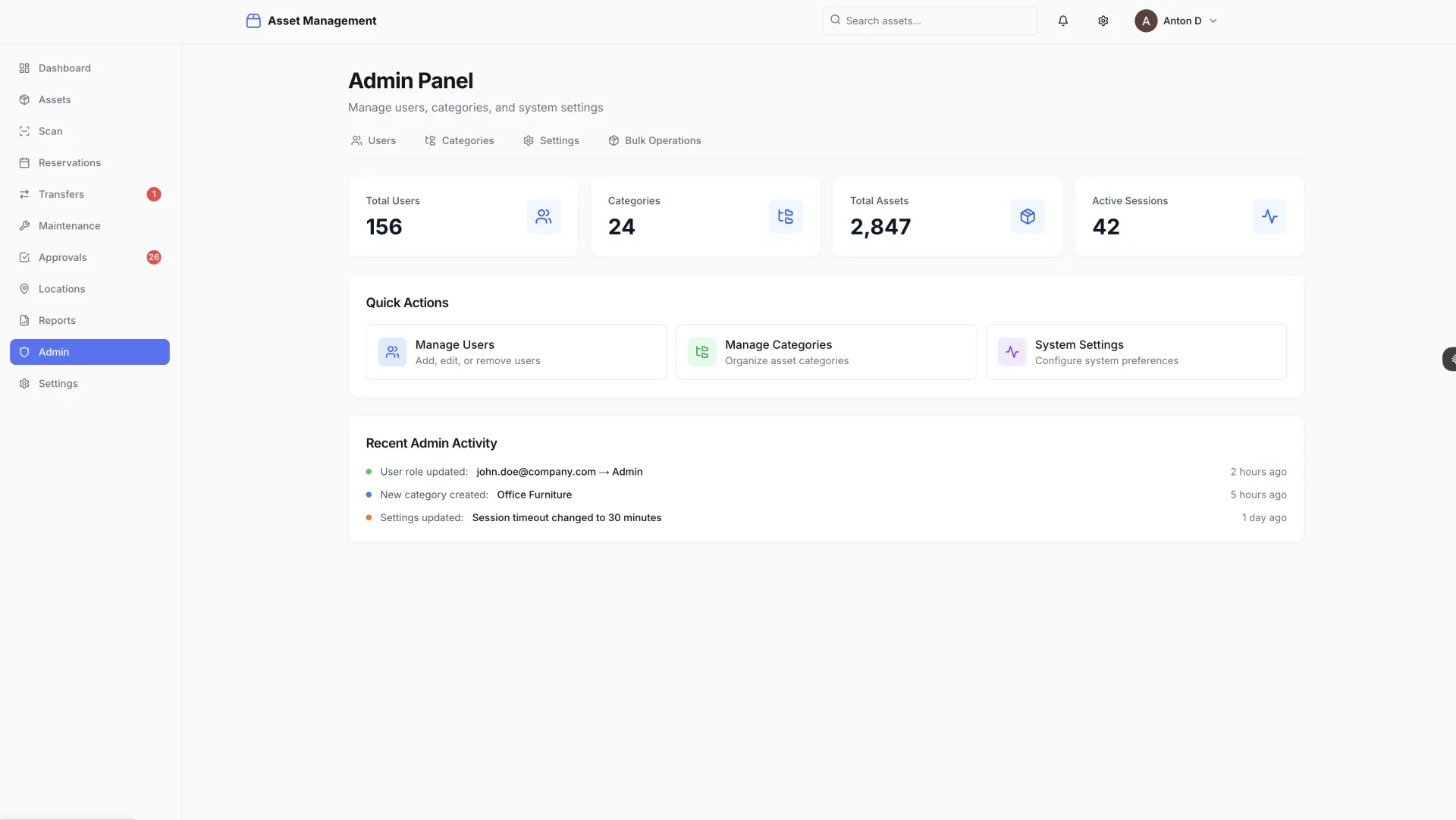
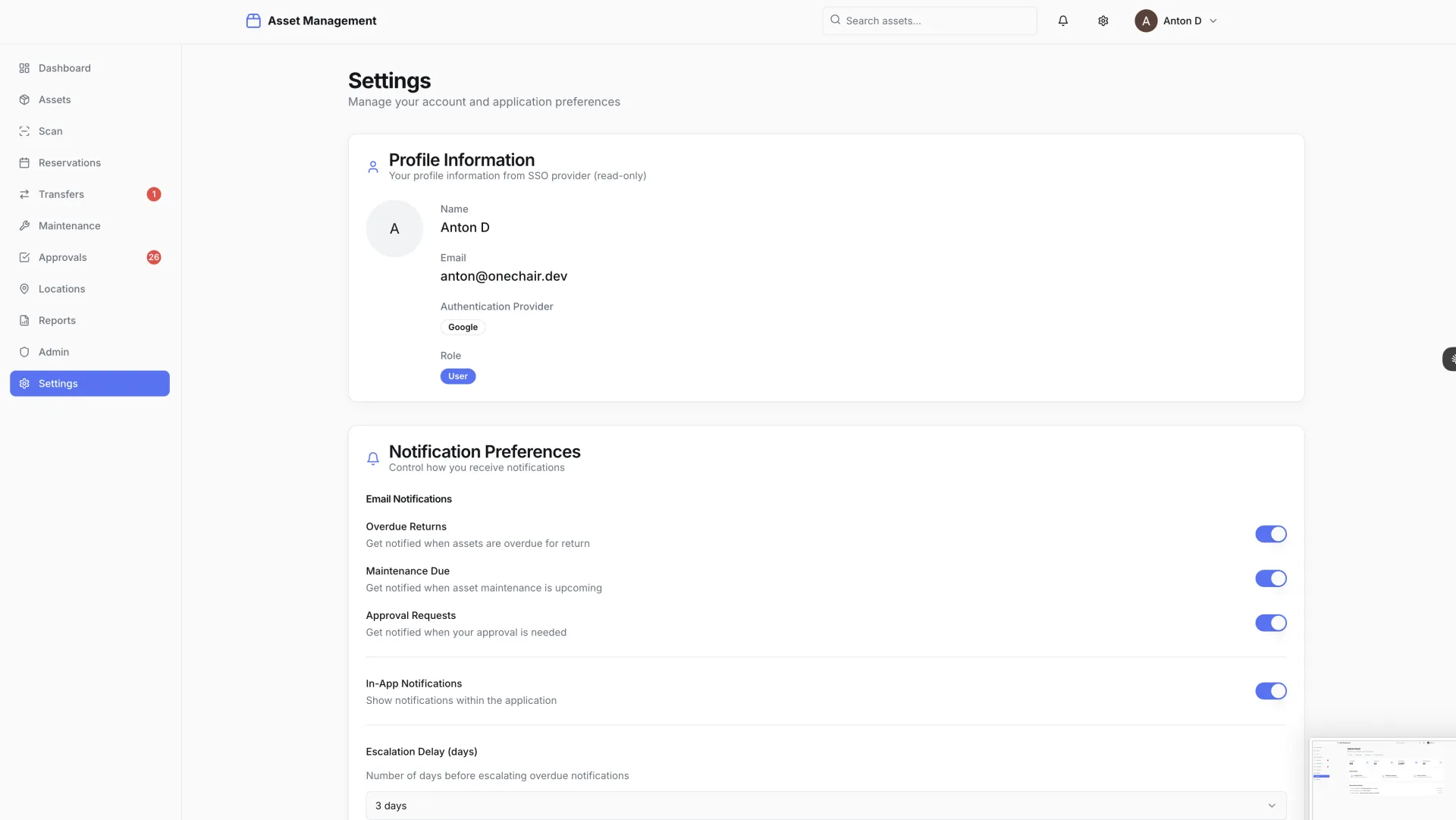
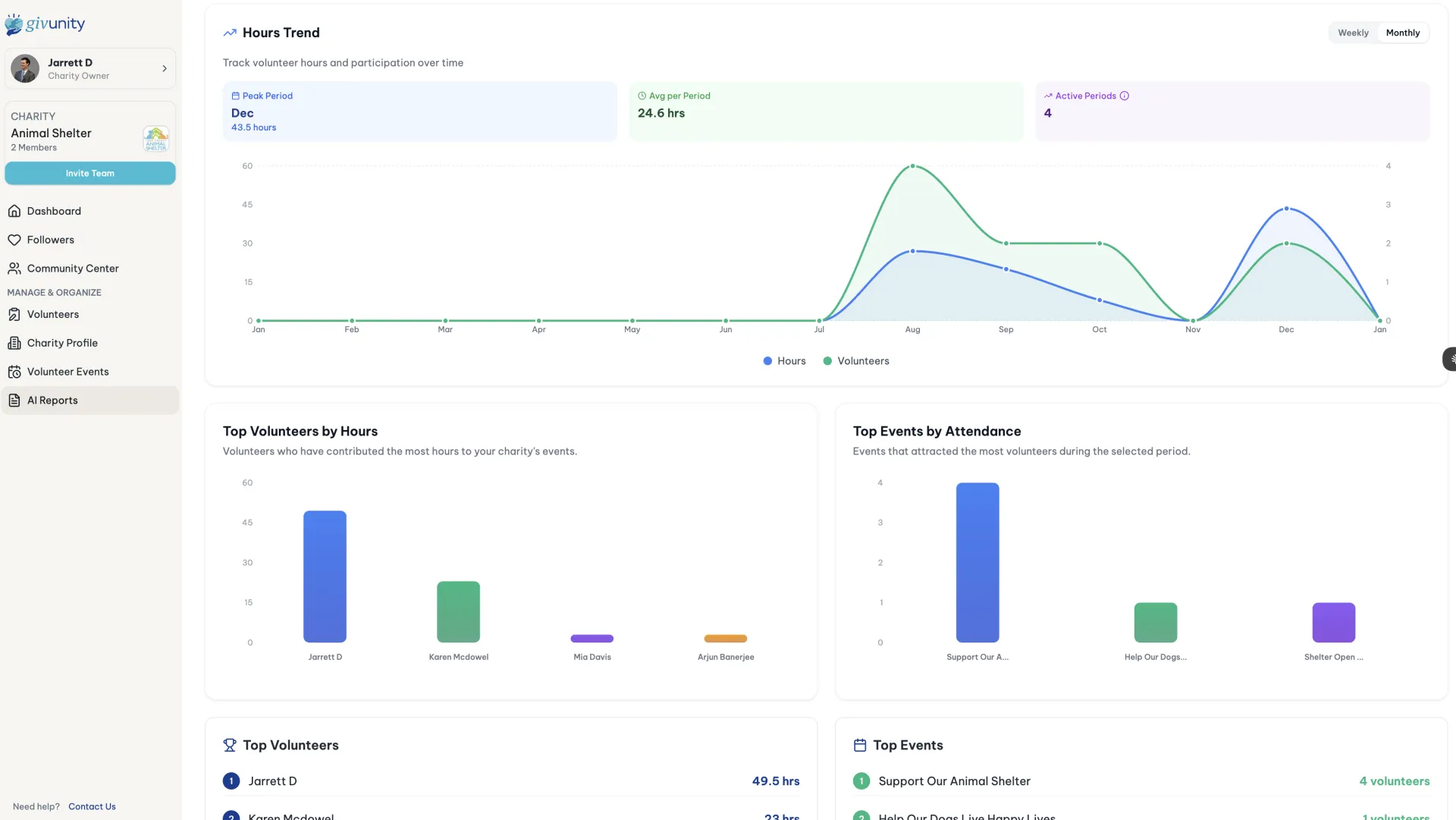
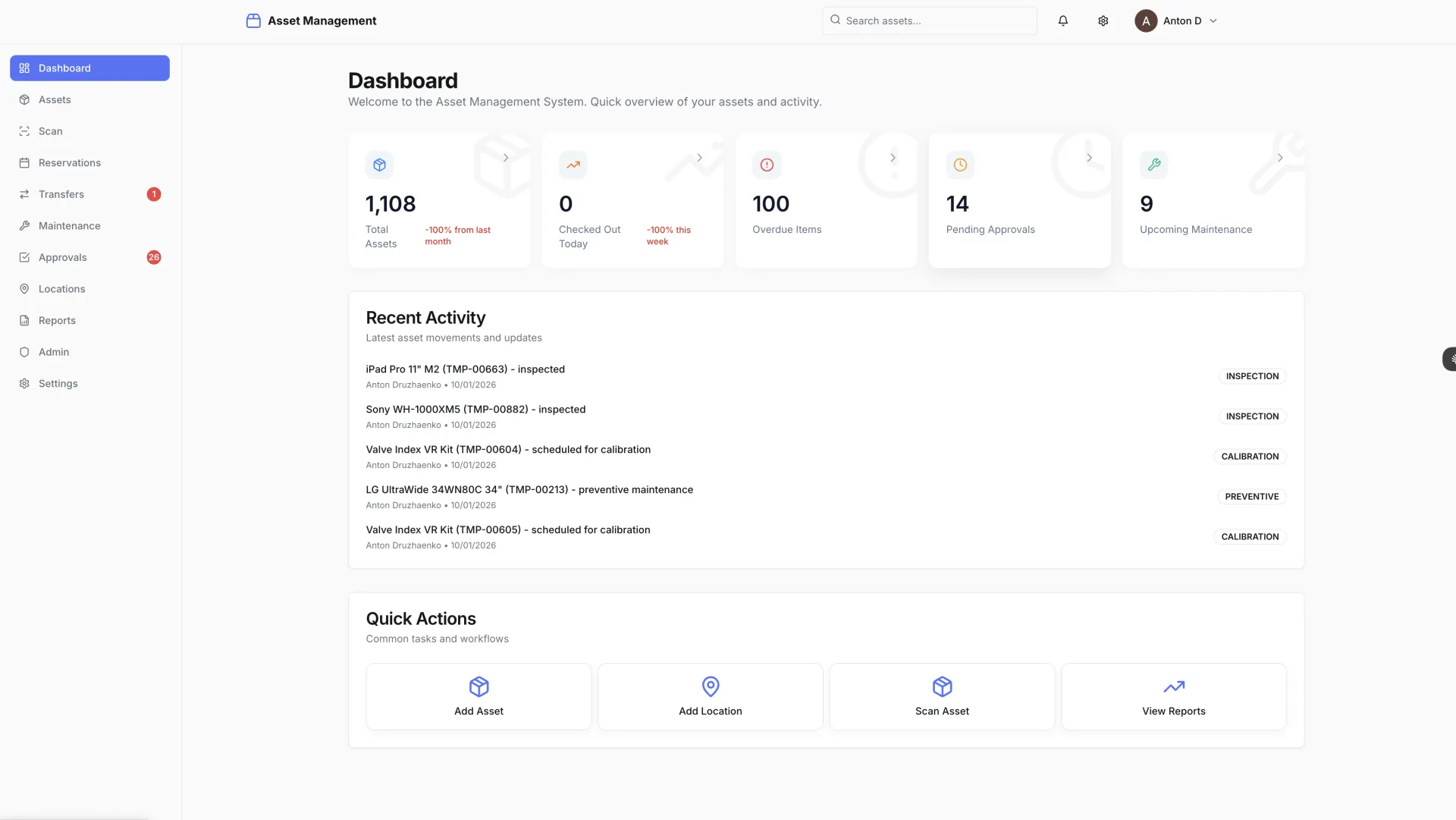
  • 11 screens delivered: login, analytics dashboard, asset list and detail, QR/barcode scan, transfers, maintenance tracking, approval workflows, location map, reports, admin panel, and settings
  • Sub-50ms search response times with Typesense full-text search across the complete asset catalog
  • Complete audit trail: every scan, transfer, and status change logged with timestamp and user identity
  • Mobile-optimized throughout — technicians can scan assets and update records from any mobile device without a dedicated app install
  • Enterprise-ready on launch: SSO integration, role-based access control, and multi-department support built from day one

Key Takeaways

  • For universities and institutions: Asset tracking does not need to be a six-figure ERP module. A purpose-built system delivered in hours gives you better UX, faster search, and a mobile-first scanning workflow — without the vendor lock-in or the implementation project that never seems to end.
  • For operations teams: Scan-first design fundamentally changes the compliance equation. When updating an asset record is as fast as scanning a barcode, the system stays current as a natural byproduct of normal work — not because someone remembered to update a spreadsheet at the end of the week.
  • For IT departments: Enterprise requirements — SSO, RBAC, audit trails, approval workflows — do not need enterprise timelines. AI-orchestrated development delivers institutional-grade software at startup speed, with a codebase your team can own and extend without a vendor relationship.

READY TO BUILD YOUR PROJECT?

Get a free project audit and see how AI-orchestrated development can transform your timeline.

GET A FREE AUDIT